> For the complete documentation index, see [llms.txt](https://docs.motivewave.com/llms.txt). Markdown versions of documentation pages are available by appending `.md` to page URLs; this page is available as [Markdown](https://docs.motivewave.com/user-guide/charts-1/lock-studies.md).
# Lock Studies
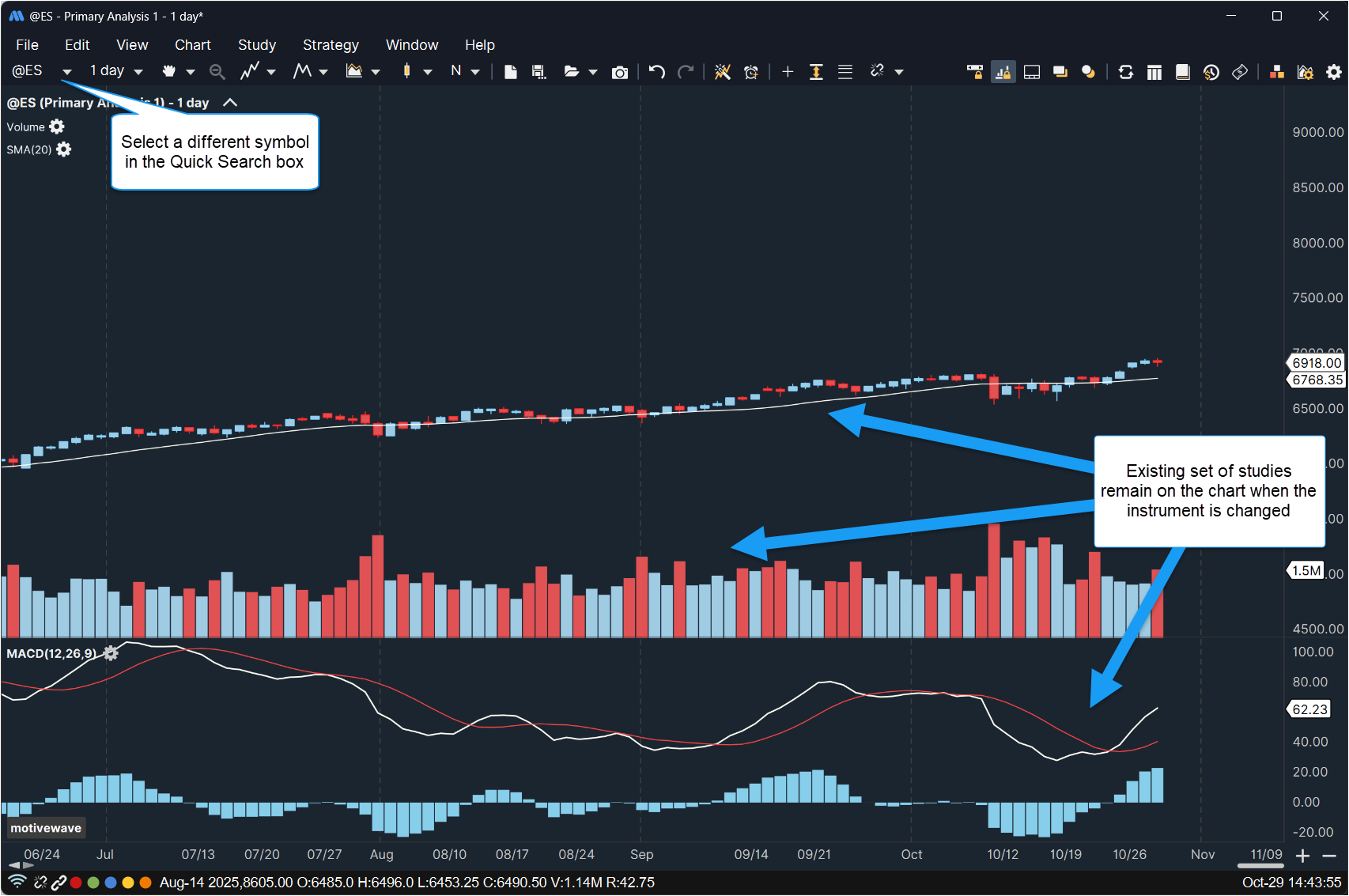
The **Lock Studies** feature is a convenient way to keep the current set of studies on a chart when you change the instrument. Choose ***View > Lock Studies*** from the top menu bar to enable this feature on the selected chart. To change the instrument on a chart, type the new symbol into the **Quick Search** box on the left side of the tool bar and press the *Enter* key.
The following two screen shots illustrate the usage of the **Lock Studies** feature: