> For the complete documentation index, see [llms.txt](https://docs.motivewave.com/llms.txt). Markdown versions of documentation pages are available by appending `.md` to page URLs; this page is available as [Markdown](https://docs.motivewave.com/user-guide/charts-1/time-and-price-guides.md).
# Time and Price Guides
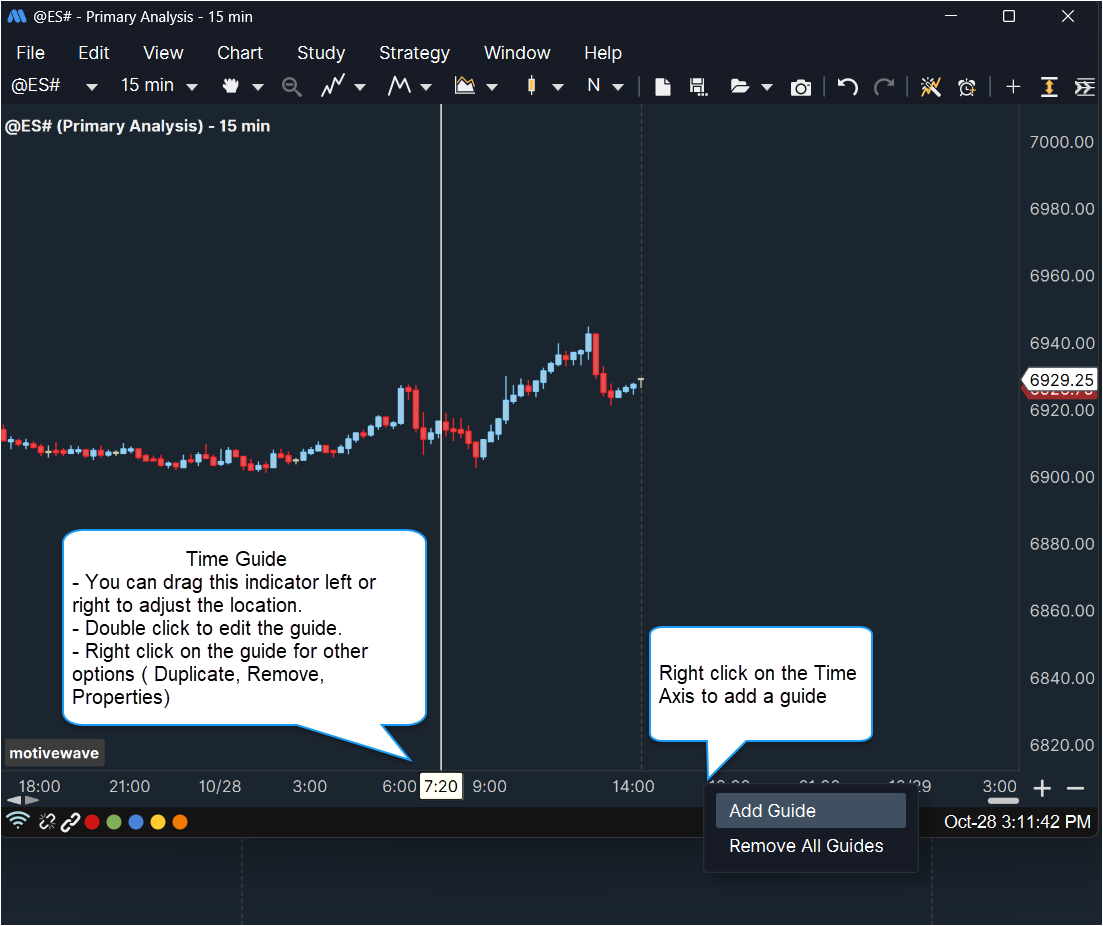
Guides can be added to the vertical and time axes. A guide is essentially a vertical (or horizontal) line that has an attached indicator to show its value. There are two types of guides:
* Price/Value Guide – Displays a horizontal line with an attached indicator in the vertical axis
* Time Guide – Displays a horizontal line (across plots) with an attached indicator in the time axis
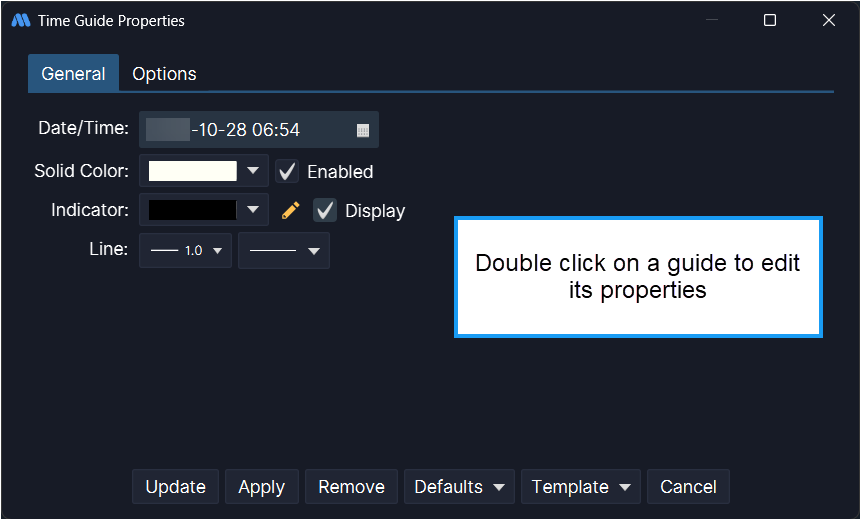
Guides can be added to a chart from the right click menu of the axis (choose *Add Guide*). This menu can also be used to edit the guide or remove it. The location of the guide can be changed by clicking and dragging it.
The Time and Price Guides can also be found in the Components panel ( located on the top toolbar):